
How to build modern web apps laravel 12 inertiajs reactjs 2026

People in the modern world need fast, innovative solutions for many things. When it comes to web application development, some apps are developed as SPAs (Single-Page Applications) while others are MPAs (Multi-Page Applications). SPAs are typically built with client-side programming languages like React, Vue, and Svelte, while MPAs are developed with server-side languages like PHP and Java.
What if someone needs to combine these approaches to build an app quickly? This might seem overwhelming. However, with the new features of Laravel 12 framework and InertiaJS, it's now very easy to integrate with React, Vue, and most other client-side languages.
This blog will teach you how to set up a Laravel app with InertiaJS and ReactJS for SPA or MPA web applications.
Installation
- I assume you have installed PHP 8.3 or above version.
- And already installed the Laravel installer also. If not use composer installer to install Laravel.
- Assume NodeJS latest version as been installed.
Open the terminal in Laptop or PC.
Then type the below command.
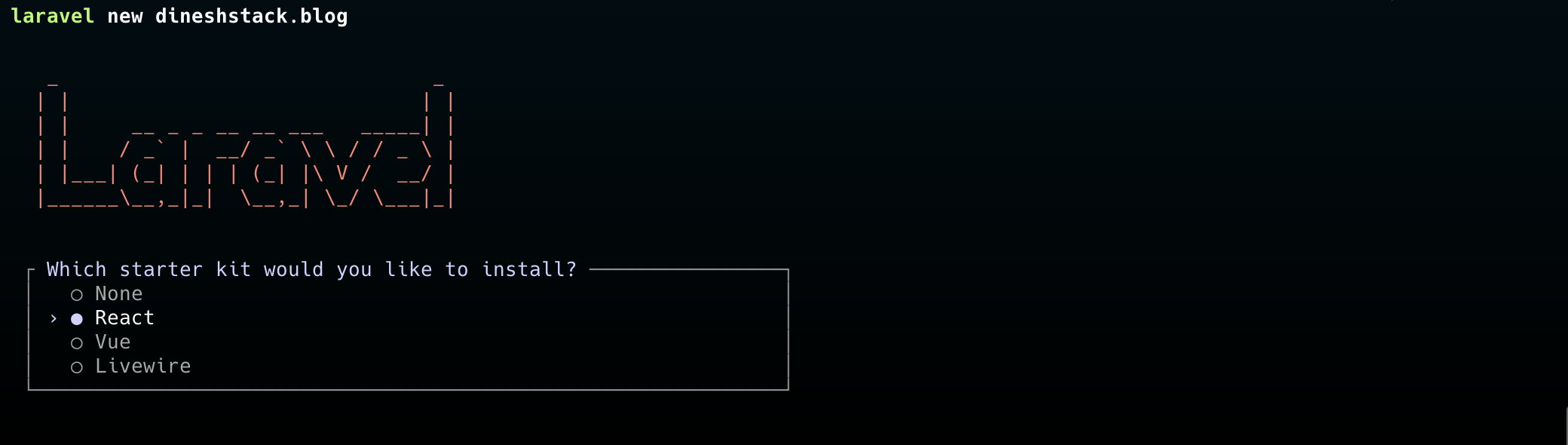
laravel new dineshstack.blogChoose the React option from below for Laravel, Inertia and React stack
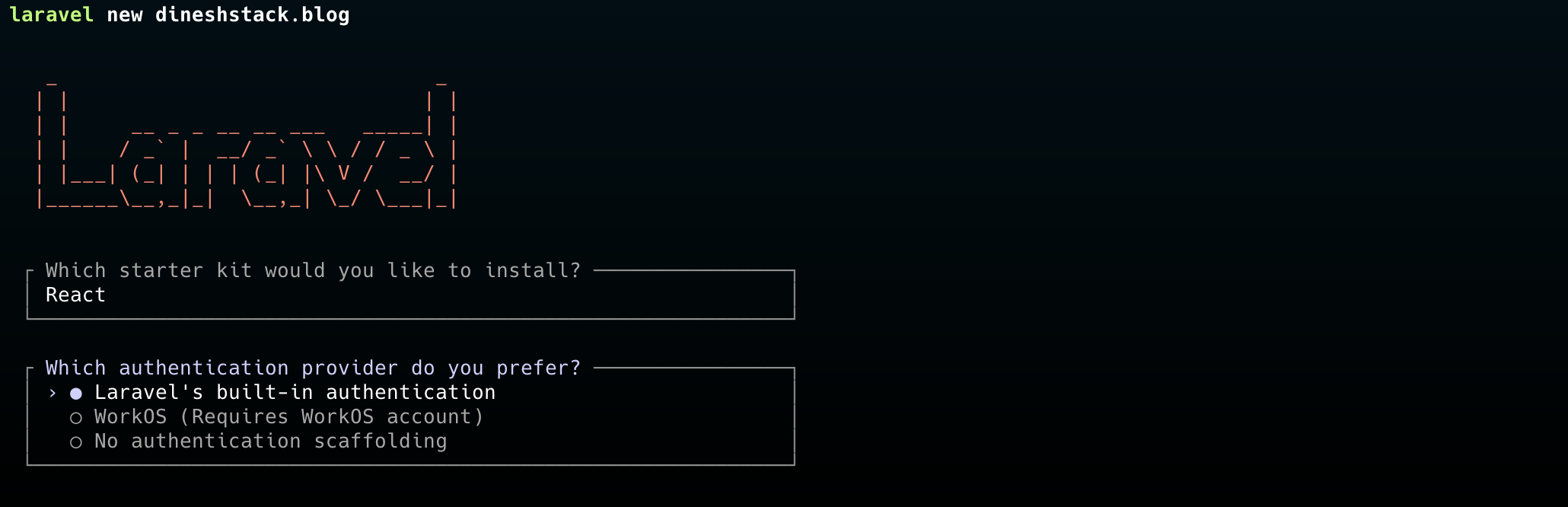
Choose Laravel's built-in authentication for default Starter Kit of React Laravel.
Choose PHPUnit or Pest for testing framework
After that it will install all the dependencies for the application.
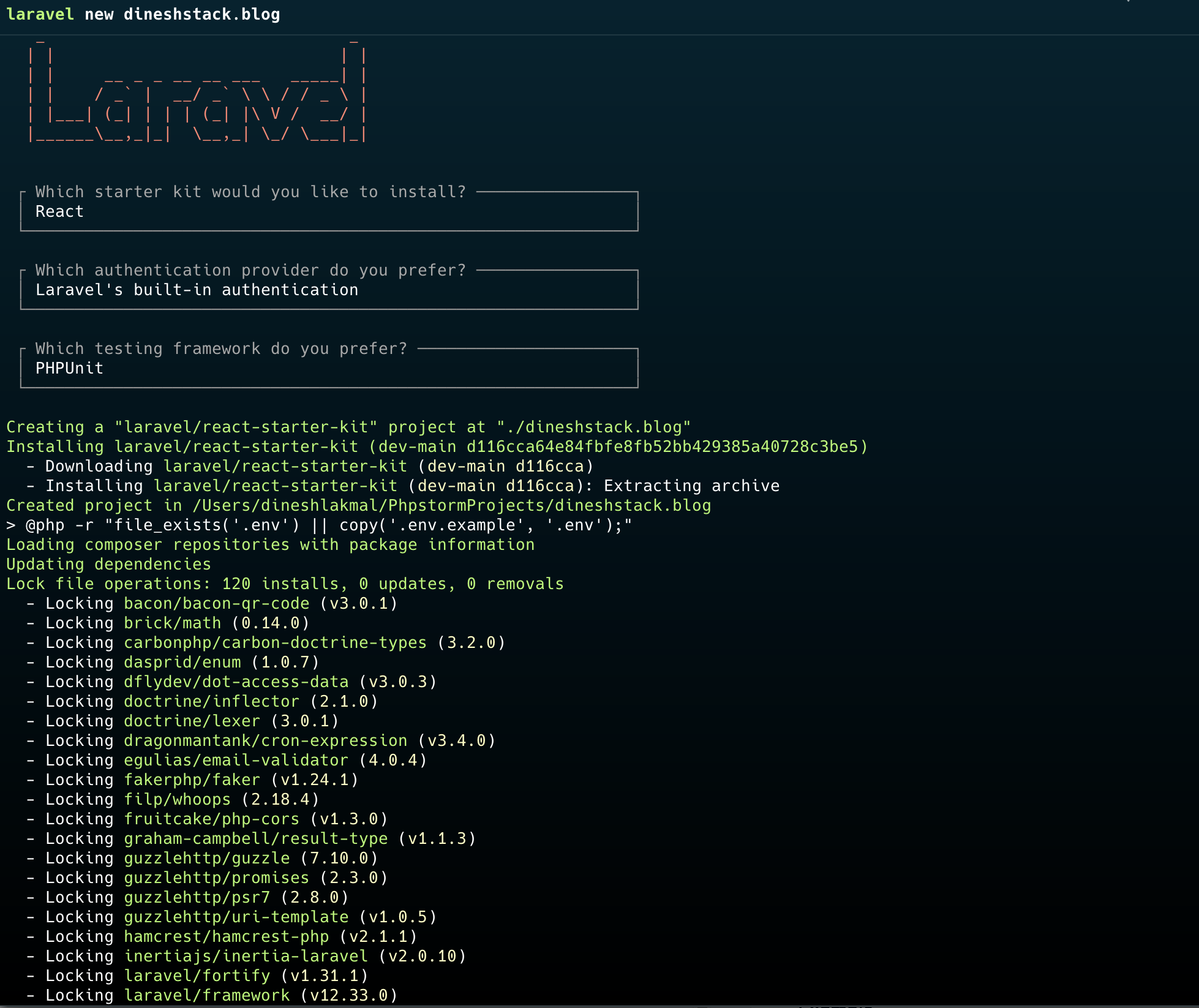
After finishing the install choose yes, from below options this will install the dependencies for the React and all with npm.
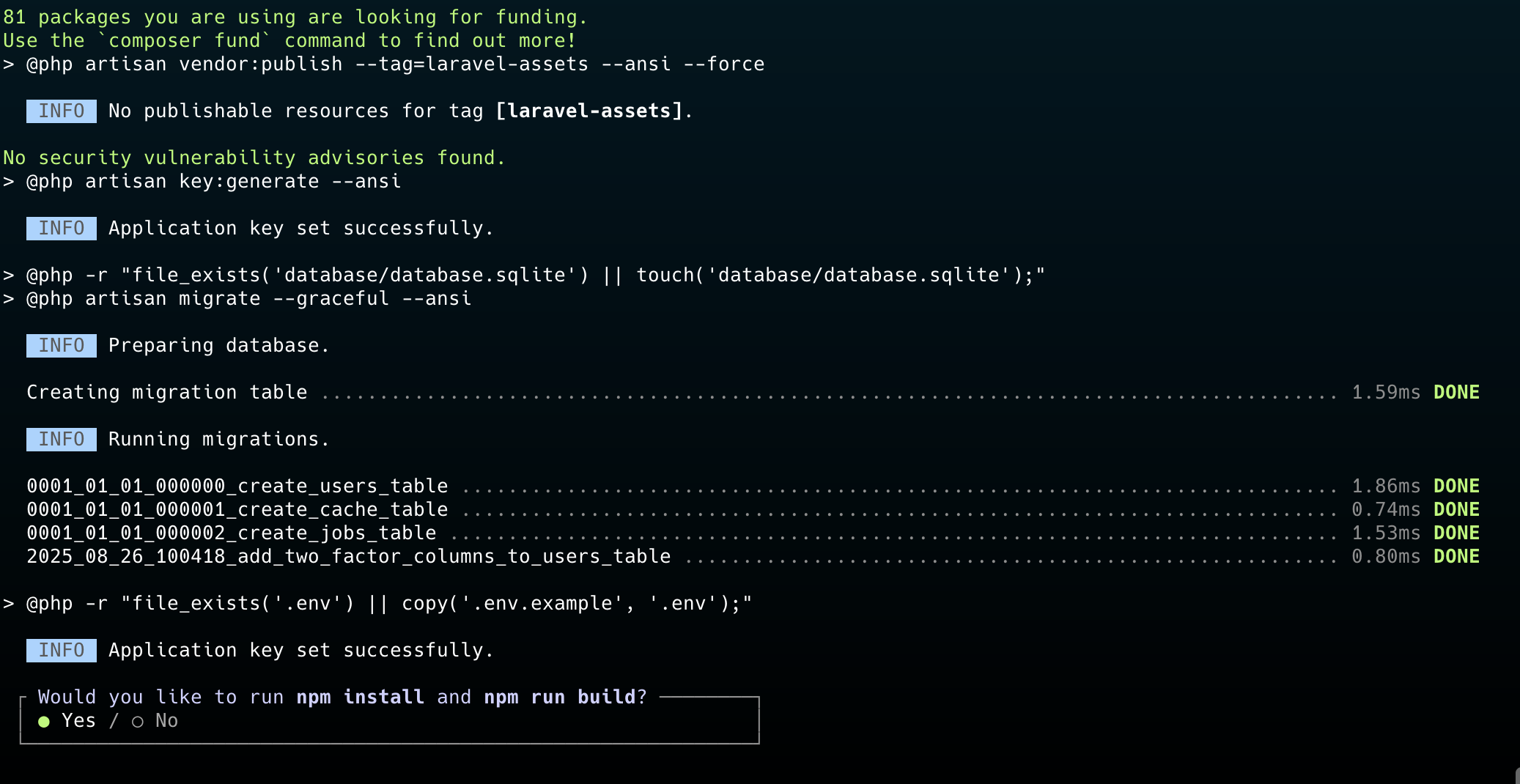
- if you have done everything correctly and came to this step, you have successfully installed the application.
- Now go inside application folder.
cd dineshstack.blog/- Run
php artisan serve- Now You will see the URL for your working project.
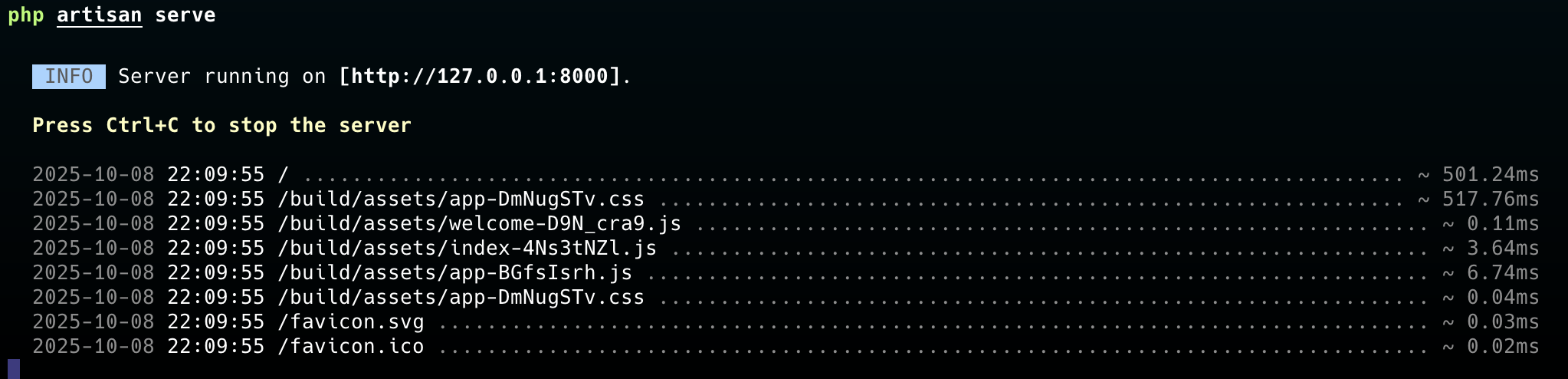
http://127.0.0.1:8000And All Done.
You can start building amazing things with this awesome framework now.

Senior Full Stack Developer · Building SaaS products & teaching Laravel/React · 10+ years experience · Founder of Orion360 · Based in Dubai, UAE.
Was this post helpful?