Deploy Laravel to a VPS with Laravel Forge: Complete Walkthrough

What Forge Actually Is (and Isn't)
The most common misconception first: Laravel Forge is not a hosting company. Forge doesn't run your app — it provisions and manages servers that you rent from a cloud provider. You connect DigitalOcean, Hetzner, Vultr, AWS, or any plain Ubuntu VPS, and Forge installs and wires up everything a Laravel app needs: Nginx, PHP-FPM, MySQL, Redis, a firewall, fail2ban, unattended security upgrades, and free SSL.
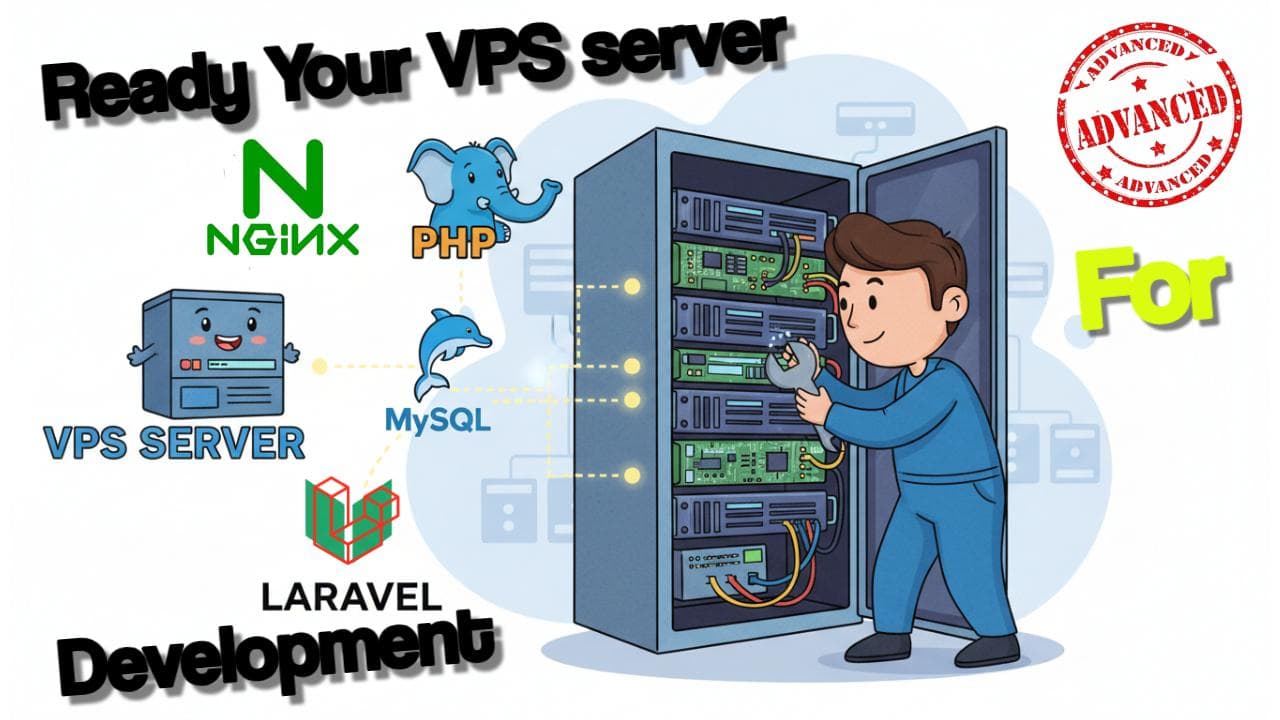
So you pay two bills: the Forge subscription, and your VPS provider. In exchange, everything I did by hand in my manual VPS setup guide — Nginx config, PHP extensions, MySQL hardening, queue workers, cron — becomes buttons in a dashboard.
Should you use Forge or go manual? My honest rule: do it manually at least once (you'll debug production forever after with confidence), then let Forge do it for every server after that. The hours it saves on server #2 onward are worth far more than the subscription.
Prerequisites
- A Forge account
- A cloud provider account — DigitalOcean, Hetzner, Vultr, AWS, or any Ubuntu VPS with root SSH (a Hostinger VPS works via Forge's "Custom VPS" option)
- Your Laravel app in a GitHub, GitLab, or Bitbucket repository
- A domain you control
Step 1: Connect Your Provider and Source Control
In Forge, open Account → Server Providers and add your provider's API token. Then Account → Source Control and authorise GitHub. Both are one-time setups — after this, Forge can create servers and read your repos on demand.
Step 2: Provision the Server
Click Create Server. The choices that actually matter:
- Type: App Server. This installs the full stack (Nginx, PHP, MySQL, Redis) on one machine — right for almost everyone. The split types (Web / Database / Cache / Load Balancer) exist for when one box stops being enough.
- PHP version: pick the newest your app supports — PHP 8.4 for anything current.
- Database: MySQL 8 unless you have a reason otherwise.
- Size: a 1 GB / 1 vCPU instance runs a modest Laravel API comfortably. You can resize at the provider later.
Provisioning takes about ten minutes. Forge shows you the forge user's sudo password and the database password once — store both in your password manager now. While it builds, add your SSH public key under the server's SSH Keys tab so you can shell in when needed.
Step 3: Create the Site
On the server, create a new site: enter your domain (e.g. api.example.com), leave the web directory as /public, and choose the PHP version. Forge writes a correct Laravel Nginx config for you — the exact file I built line-by-line in the manual guide.
Point your domain's A record at the server's IP before the next step, so SSL issuance can verify the domain.
Step 4: Connect the Repo and Tune the Deploy Script
In the site's App tab, choose Git Repository, select your repo and branch, and install. Forge generates a deploy script like this:
cd /home/forge/api.example.com
git pull origin $FORGE_SITE_BRANCH

$FORGE_COMPOSER install --no-dev --no-interaction --prefer-dist --optimize-autoloader

( flock -w 10 9 || exit 1
    echo 'Restarting FPM...'; sudo -S service $FORGE_PHP_FPM reload ) 9>/tmp/fpmlock

if [ -f artisan ]; then
    $FORGE_PHP artisan migrate --force
fi
Those $FORGE_* variables resolve to the site's branch and PHP binary, so the script survives PHP version switches. I add three lines to every project — config caching and a queue restart so workers pick up new code:
$FORGE_PHP artisan config:cache
$FORGE_PHP artisan route:cache
$FORGE_PHP artisan queue:restart
Building a frontend on the same box (Inertia/Vite)? Add npm ci && npm run build after the composer step. For an API-only app, skip it.
Finally, enable Quick Deploy. From now on, every push to the branch triggers a deployment — push-to-deploy with zero CI configuration.
Step 5: Environment and App Key
The site's Environment tab is a web editor for the production .env. Set your APP_URL, database credentials (Forge pre-fills the local MySQL ones), mail driver, and anything else your app reads. Then run your first deployment from the App tab and watch the log stream.
Step 6: SSL in One Click
Site → SSL → LetsEncrypt → Obtain Certificate. Forge requests the cert, installs it, configures the Nginx redirect from HTTP, and auto-renews it forever. This step alone justifies Forge for a lot of people — certificate renewal is the classic thing manual setups forget until the outage.
Step 7: Queue Workers and the Scheduler
Two more things every real Laravel app needs, both dashboard toggles here:
- Queues: the site's Queue tab creates a Supervisor-managed worker — pick the connection (redis), set max tries and timeout, and Forge keeps the process alive across crashes and reboots. The
queue:restartline we added to the deploy script makes workers reload your new code on every deploy. - Scheduler: on the server's Scheduler tab, add
php8.4 /home/forge/api.example.com/artisan schedule:runwith the every minute frequency. That's the cron entry powering everything in yourroutes/console.phpschedule.
Long-running processes that aren't queue workers — Reverb, Horizon, a Node sidecar — go in the server's Daemons tab, which is Supervisor with a UI.
What About Zero-Downtime Deploys?
Honesty time: Forge's default deployment is in-place. It runs git pull and composer install against the live directory, so for a few seconds mid-deploy a request can hit a half-updated app. For most sites this window is invisible; if it matters to you:
- Wrap deploys in maintenance mode:
$FORGE_PHP artisan down --refresh=15at the top of the script,artisan upat the bottom, or - Use Envoyer (Laravel's companion deploy service) — it deploys each release to its own timestamped directory and atomically flips a symlink, the classic zero-downtime pattern, with instant rollback.
"Preview Sites" on Forge
A question I see often: does Forge do deployment previews per branch/PR? Not as a first-class feature — automatic preview environments are a Laravel Cloud capability. On Forge, the practical equivalent is to create a second site on the same server (e.g. staging.example.com) pointed at your develop branch with its own .env and Quick Deploy. It's manual, but it gives you a permanent staging URL that tracks a branch.
Forge vs Manual vs Laravel Cloud
| Manual VPS | Forge + VPS | Laravel Cloud | |
|---|---|---|---|
| Monthly cost | VPS only | VPS + Forge subscription | Usage-based platform pricing |
| Setup time | Hours (first time) | ~15 minutes | Minutes |
| Control | Total | High (it's still your server) | Abstracted away |
| You learn | Everything | Deployment workflow | Very little about servers |
| Best for | Learning, tight budgets | Freelancers, agencies, most production apps | Teams who never want to think about servers |
My take: learn on a manual VPS (here's the full walkthrough), then run production on Forge until your scale demands more.
Deploy Something Real
If you don't have an API to deploy yet, build one first — Build a REST API with Laravel 13 and Sanctum in 30 Minutes pairs perfectly with this guide: finish that tutorial, push it to GitHub, and you can have it live on a Forge-managed server with SSL, queue workers, and push-to-deploy inside an afternoon.
Questions about a specific Forge setup? Drop a comment — I read every one.
Frequently Asked Questions
Is Laravel Forge a hosting provider?
Does Laravel Forge do zero-downtime deployments?
Does Laravel Forge support preview or staging sites per branch?

Senior Full Stack Developer · Building SaaS products & teaching Laravel/React · 10+ years experience · Founder of Orion360 · Based in Dubai, UAE.
Was this post helpful?
Reviews & Ratings
Sign in to leave a review.